01
Import the property
Paste a supported listing URL or upload the JPG, PNG, and WebP photos you want to use.
AI real estate video maker
Start with your listing photos or a property link. Create a polished video with smooth motion, music, and your branding—ready for social media, listing websites, and presentations.
$1.97 per Standard Motion video with full Growth usage · $59/month for up to 30 videos


Made with Reeloft
See what your existing photos can become, then bring your own video to your next listing presentation.
Bring a listing video to your next pitch and give sellers a preview of your marketing. Add cinematic movement, music, and your branding to the property photos you already have.
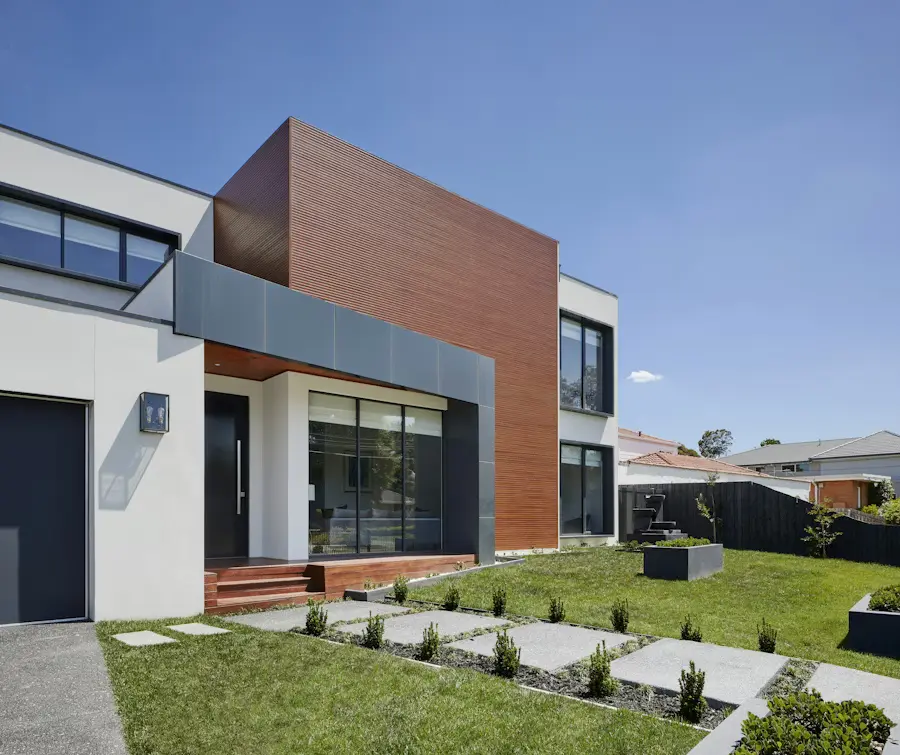
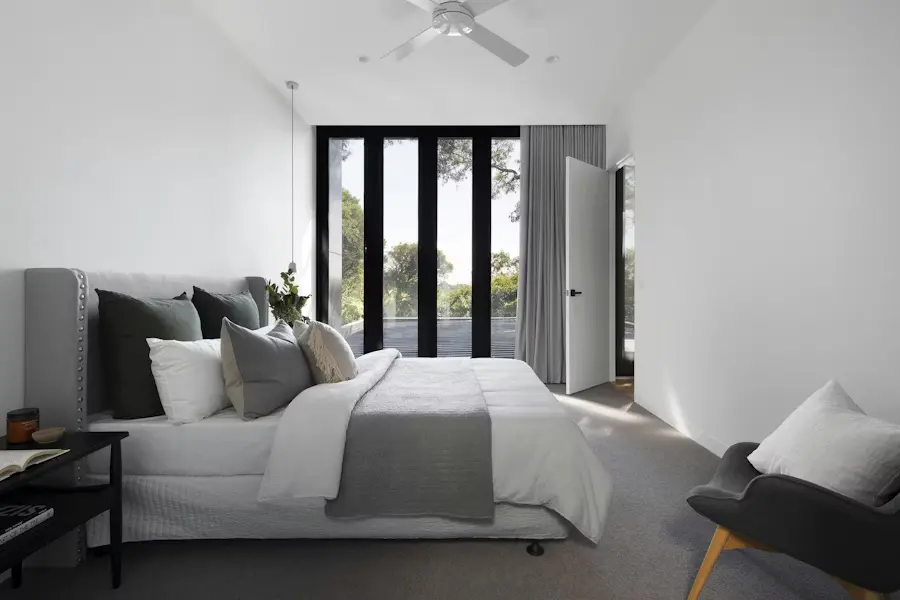
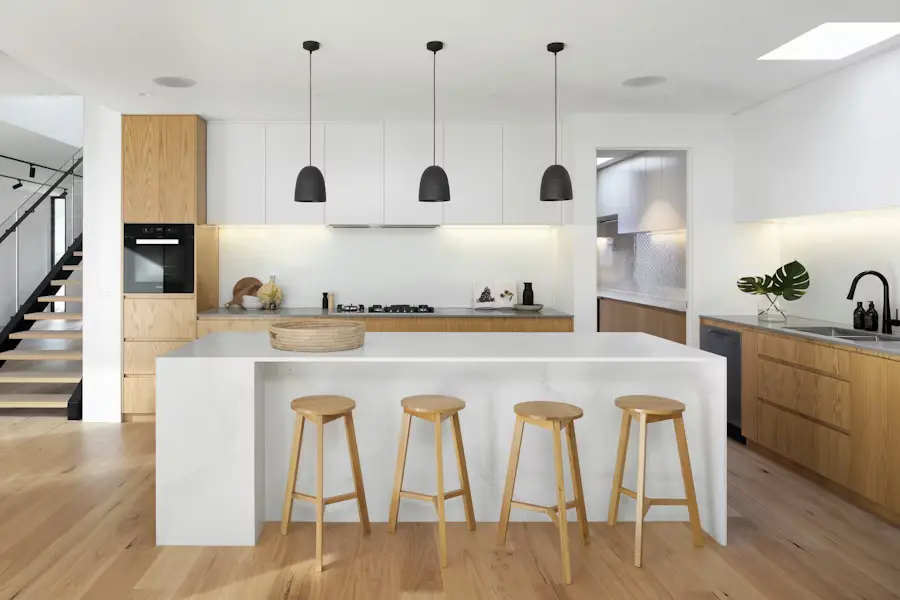
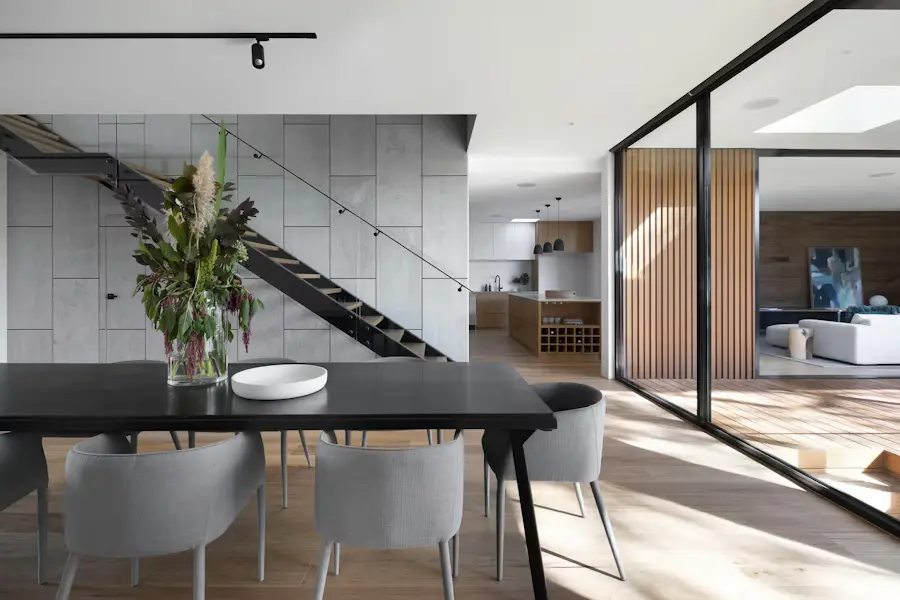
Actual Reeloft output. The final result depends on the source photos, sequence, movement, audio, copy, and branding choices.
Less editing. More possibilities.
Move from the listing assets you already have to a polished, editable video without building the entire timeline by hand.
Paste a supported listing URL or upload the JPG, PNG, and WebP photos you want to use.
Choose Standard Motion, recommended Hybrid, or Full AI. Reeloft plans the motion for each photo when generation starts.
Choose music, add a voiceover or video avatar, and finish with a reusable profile outro.
Review the project, choose vertical, square, or landscape, and create an editable video.
Built for real estate work
Use the same focused workflow whether you market one property or produce listing content every week.
Launch social and web video while the listing is still fresh.
Turn the photos from an existing shoot into an additional client deliverable.
Create repeatable, branded outputs across listings and channels.
Make every listing work harder
Why visibility matters
Buyers use video to explore their options. Give your listing another way to be seen, understood, and remembered.
52%
In NAR’s 2025 survey, 52% of home buyers used online video sites as an information source during their search.
NAR · 2025 buyer survey, p. 4158%
Among buyers rating online video sites, 58% considered them very useful in their home search.
NAR · 2025 buyer survey, p. 431 week
Zillow found that listings saved by at least five buyers per day typically received an accepted offer within a week.
Zillow Research · March 2025Industry research on buyer behavior and listing engagement. These findings do not measure Reeloft results or prove that video alone increases sales.
Spend less. Bring more to the pitch.
Turn the listing photos you already have into a polished property video. Choose Standard Motion, Hybrid Motion, or Full AI to suit the property.
A new production for each property.
Supply the footage or photos yourself.
$59/month · up to 30 Standard Motion videos
Your photos. Your brand. Your schedule.
USD, before tax. Approximately $1.97/video when all 30 Standard Motion videos with up to 20 photos each are used on the $59/month Growth plan. Each additional started 20-photo block costs another 50 credits. Hybrid Motion, Full AI, video avatars, tours and other credit use reduce the video allowance.
The $500 shoot is an illustrative budget; provider quotes and turnaround vary. Reeloft creates video from your existing photos.
For agents with a few listings each month.
$228 Billed yearly
Save 33%10 videos / month
500 credits / month
For growing busy individuals and teams producing property content at volume
$468 Billed yearly
Save 33%30 videos / month
1,500 credits / month
For higher volume producers, teams, and agencies creating videos at scale
$1,428 Billed yearly
Save 33%100 videos / month
5,000 credits / month
More volume, custom integrations, or expert editing. Build a plan around your business.
Yes. Paste a supported property listing URL to import available photos and details, or upload the photos manually.
The free workflow supports up to 5 selected photos. Paid plans support 20 to 50, depending on the plan.
Standard Motion adds smooth zooms and slides while preserving your original photography. Recommended Hybrid adds AI cinematic movement to key scenes. Full AI uses AI movement for every eligible scene. Reeloft plans the shots after you start generation.
Yes. The guided workflow includes music, voice-only narration, optional video avatar narration, and a reusable agent or brand profile outro. Any additional credits are shown before generation.
Choose vertical 9:16, square 1:1, or landscape 16:9 for social, ads, websites, YouTube, and presentations.
Yes. The result opens as an editable Reeloft project so you can refine the timeline, text, layout, audio, and branding.
No. The selected listing photos remain the source for the video. Review the result before publishing.
Make your next move
Make your marketing part of the reason you get the listing. Start with your property photos and free credits, and create a video you can bring to your next pitch.
Get My Free VideoExplore how it works