How to Extract Video Highlights with AI Without Loading the Full Source
Learn how AI finds the best moments and saves them as separate clips that load quickly and remain editable.
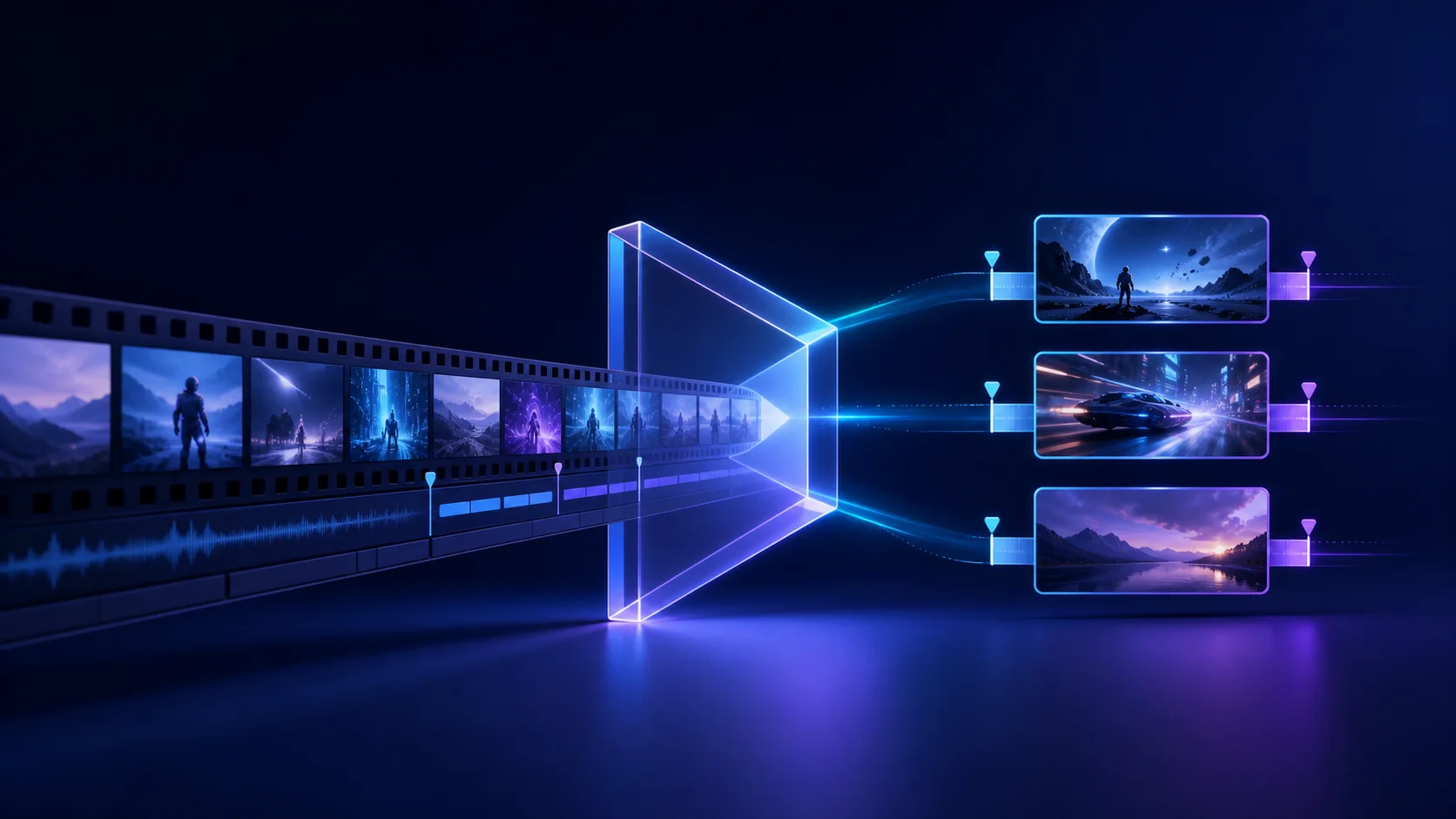
A useful highlight is not merely a timestamp. It needs an opening that earns attention, enough context to make sense on its own, and a payoff that feels complete. It also needs clean picture, sound, captions, and framing after the selected ranges are joined.
AI can shorten the search by combining transcript meaning, sentence timing, silence, audio energy, and shot changes. The final selection still benefits from human review, especially when a moment depends on context outside the proposed range.
Tell AI what to edit
Upload your footage, describe the changes you want, and watch Reeloft edit your video while the timeline remains available for manual control.
Define what a good highlight means
“Find the best part” is subjective. Give the editor a topic, audience, destination, and approximate duration. A product lesson for existing customers is different from an introductory clip for someone who has never seen the source.
Duration is a boundary, not the story. A coherent 52-second answer is usually stronger than a 45-second clip that stops before its conclusion. Ask for a range, then shorten after you confirm the idea is complete.
- Topic: the question, lesson, story, objection, or result
- Audience: new viewer, customer, specialist, or existing follower
- Destination: vertical social clip, square promo, or horizontal excerpt
- Constraint: approximate duration, number of clips, and source-audio preference
How AI finds candidate moments
Transcript timing helps locate complete questions, answers, claims, and examples. Silence and audio energy reveal boundaries and emphasis. Shot changes help avoid starting in the middle of a visual transition. These signals produce candidates; they do not prove editorial quality on their own.
The strongest candidate often opens near a meaningful line rather than the first sentence in chronological order. It then keeps the minimum context needed to understand the idea and ends after the payoff instead of drifting into a second topic.
Create a derived project, not a fragile reference
A highlight should become a separate editable project when you ask to extract, create, or make a new version. The source remains unchanged, while selected ranges are joined into compact video and audio assets for the new timeline.
This matters for long recordings. A small derived clip loads and seeks more efficiently than a project that repeatedly references distant points in a large source. Captions, layout, transitions, and audio remain adjustable after extraction.
A practical highlight workflow
1. Request the editorial shape
Try: “Create a separate 45–60 second highlight about onboarding for a new viewer. Open with the clearest benefit and include the complete three-step answer.”
2. Review the extraction
Watch the opening without the original introduction. Confirm pronouns and references still make sense, then listen across every joined boundary for changes in room tone or clipped words.
3. Adapt the presentation
Choose the canvas, reframe the active subject, add proofread captions, and balance existing music. Keep overlays inside safe viewing areas.
Improve the hook without inventing a claim
The source often contains a strong line later in the answer. You can open on that line when moving it does not distort meaning, then follow with the minimum supporting context. Avoid synthetic hooks that promise a result the footage never supports.
A text hook should clarify the moment rather than compete with captions. Keep it short, leave enough time to read it, and make sure its wording matches the actual conclusion.
Common highlight mistakes
- Starting on a pronoun or response that needs the missing question
- Forcing an exact duration at the expense of the payoff
- Selecting several good quotes that do not form one coherent idea
- Cutting on transcript boundaries without listening to speech handles
- Cropping one frame correctly while later shots lose the subject
- Leaving the long-form music louder than the voice in the short version
- Replacing the source project when a derived clip was intended
Final review checklist
- The first line makes sense without the original introduction
- The clip delivers one clear promise and a complete payoff
- Every selected range stays inside the source duration
- Joined picture and audio remain synchronized
- Captions match the spoken words and fit the canvas
- The active subject remains visible after every shot change
- The original long-form project is unchanged
Frequently asked questions
How long should a video highlight be?
Choose a range that fits the destination, then let the complete idea determine the final boundary. An approximate target is more useful than an inflexible limit. Trim repetition after confirming the clip still has a clear opening, enough context, and a satisfying payoff.
Can AI choose the best moment automatically?
AI can rank candidates using transcript meaning, sentence timing, silence, sound energy, and shot changes. “Best” still depends on audience and purpose, so supply that context and review the candidates. A high-energy quote is not automatically the most useful or accurate clip.
Will extracting a highlight change my source video?
Not when you request a separate or derived clip. Reeloft can create a new project containing the selected ranges while keeping the original timeline intact. Confirm the target mode in your instruction whenever the distinction between revising and deriving is important.
Can a highlight combine several distant ranges?
Yes, if the ranges form one coherent and honest sequence. Listen carefully across each join because room tone, camera position, and sentence rhythm may change. If the connection requires a long explanation, the moments may work better as separate clips.
Keep learning
Tell AI what to edit
Upload your footage, describe the changes you want, and watch Reeloft edit your video while the timeline remains available for manual control.