How to Turn a Podcast or Interview into Short Clips
Find self-contained answers, preserve speaker context, and turn long conversations into editable social clips.
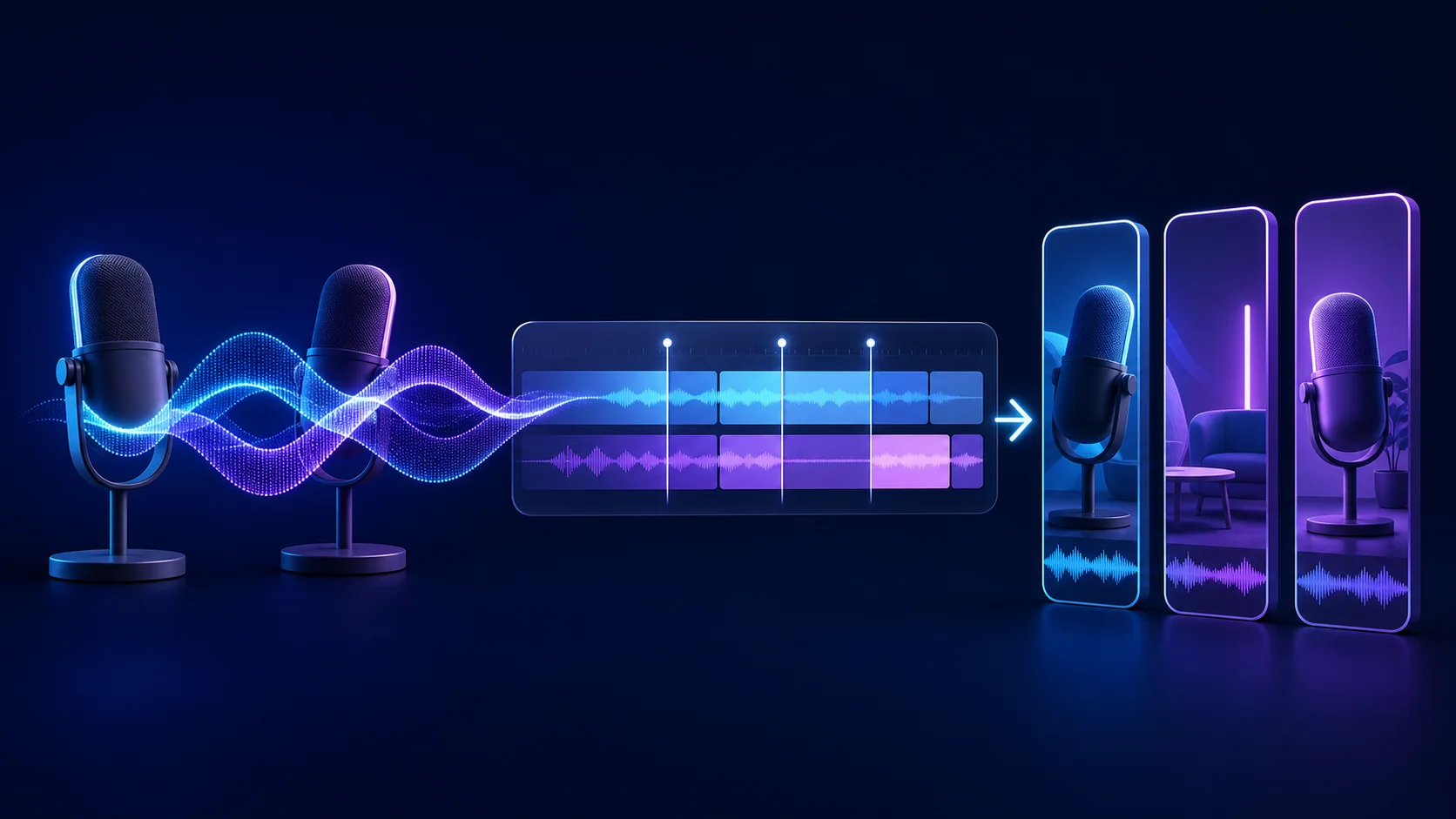
Podcasts and interviews contain many potential clips, but the strongest moments are rarely neat, equal-length slices. A useful excerpt includes the question or setup the viewer needs, the clearest part of the answer, and a conclusion that feels earned.
Transcript-based analysis can map topics and locate candidate ranges. Visual and audio review then protects speaker identity, turn-taking, reactions, and room tone when those ranges become separate projects.
Tell AI what to edit
Upload your footage, describe the changes you want, and watch Reeloft edit your video while the timeline remains available for manual control.
Map the conversation into clip-sized ideas
Scan for complete questions, surprising answers, practical frameworks, stories, and disagreements. Label each candidate with its audience and takeaway. A broad topic such as “marketing” is less useful than “the mistake that made the first campaign fail.”
Keep one idea per clip. If an answer turns into a new topic, end the clip after the first payoff and create a second candidate for the next idea.
Preserve the question when the answer needs it
Some answers restate the question and can stand alone. Others begin with “yes,” “that depends,” or a pronoun. Include the interviewer’s question, add the minimum context from the setup, or choose a later sentence that makes sense as an opening.
Do not rewrite the meaning with a sensational hook. The clip should represent the speaker’s actual claim and retain any qualification necessary to understand it.
Edit around speaker turns and reactions
Transcript boundaries identify speech, but conversation includes nods, laughter, interruptions, and pauses. Leave enough space for a reaction when it carries meaning. Avoid cutting to the next speaker before the previous sentence visually resolves.
In a multi-camera recording, reframing should follow the active speaker without creating constant motion. Review every camera change after converting to vertical.
Create compact, editable clip projects
Ask for each chosen range as a separate project. The source conversation stays unchanged, and the derived clip can use compact media, its own canvas, captions, title treatment, and sound mix.
Join non-contiguous ranges only when the sequence remains honest and the audio transition is acceptable. If two quotes need extensive explanation to connect, they probably belong in separate clips.
Format the clip for social viewing
- Use a 9:16 canvas and reframe around the active speaker
- Keep speaker changes understandable rather than visually frantic
- Add concise, proofread captions with clear contrast
- Use hook text only when it accurately summarizes the answer
- Lower existing music under both speakers
- End after the payoff instead of trailing into the next question
Common podcast-clipping mistakes
- Opening on an answer that makes no sense without its question
- Ending before a qualification that changes the claim
- Removing reactions and making the conversation feel unnatural
- Combining unrelated quotes because each sounds memorable
- Cropping the inactive speaker out before a meaningful response
- Leaving names and technical terms uncorrected in captions
- Editing the source project instead of deriving clips
Final review checklist
- A new viewer can identify the topic immediately
- The clip represents the speaker’s meaning accurately
- Questions, answers, and reactions have natural boundaries
- Speaker framing remains correct after camera changes
- Captions identify names and vocabulary accurately
- Room tone and source audio remain coherent across joins
- The full podcast or interview remains untouched
Frequently asked questions
Should a podcast clip include the interviewer’s question?
Include it when the answer does not restate enough context. If the response opens with a clear standalone claim, you may begin there. Judge the clip as a new viewer: pronouns, “yes” answers, and qualified responses often need the original question.
Can I combine quotes from different parts of an interview?
Yes, when they form one accurate sequence and the joins sound natural. Do not remove qualifications or connect statements in a way that changes meaning. If several transitions need explanation, publish the ideas as separate clips instead.
How should I frame two podcast speakers vertically?
Reframe around the active speaker while preserving meaningful reactions and clear turn-taking. A wider composition may be preferable during interruption or laughter. Avoid switching so frequently that the crop movement becomes more noticeable than the conversation.
What caption errors are common in podcasts?
Names, company terms, acronyms, and overlapping speech are common trouble spots. Proof those items carefully and keep caption groups tied to the correct speaker timing. When two people talk at once, simplify the excerpt or correct the segments manually rather than presenting unreadable text.
How many podcast clips should I create at once?
Begin with the strongest few moments and review the complete derived projects before expanding the batch. This reveals whether your duration, framing, caption, and audio rules work across different speaker turns. A small reviewed set provides a better template than many unverified extractions.
Should every clip use the same opening style?
Use consistent visual branding, but let the source determine the editorial opening. Some clips need the question, others can begin with a clear claim, and a story may need one setup sentence. Repeating one hook formula can remove context or make different conversations feel artificially identical.
Keep learning
Tell AI what to edit
Upload your footage, describe the changes you want, and watch Reeloft edit your video while the timeline remains available for manual control.